


Introduction
There are two ways to put the DCT on your device: the native app for iPhone, iPad, and Mac from the App Store, or installing the web app so it runs in its own window with its own icon — no browser tabs required.
iPhone, iPad & Mac — Get the Native App
On iPhone, iPad, and Mac, we recommend the native DCT app: download it from the App Store. It offers the full DCT experience plus iCloud sync for your Design Library. See DCT on iPhone, iPad & Mac for details.
Installing the Web App
The DCT header has an install button named for what your platform actually calls it:
- Add to Home Screen — Safari on iPhone/iPad: the button walks you through Share → Add to Home Screen
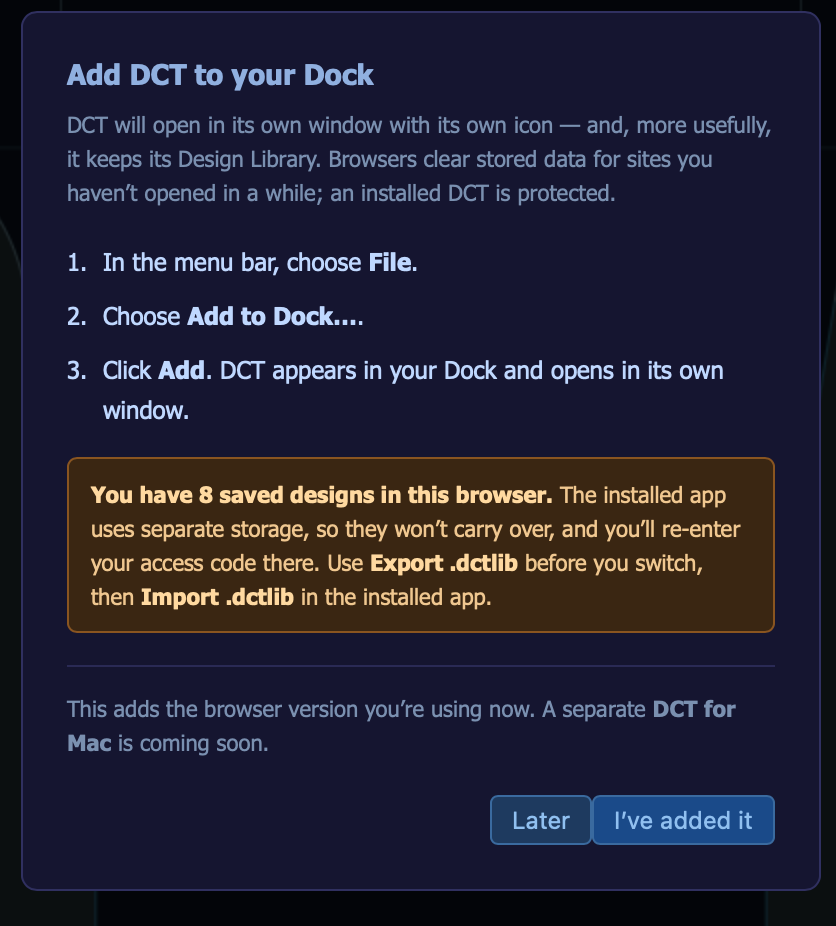
- Add to Dock — Safari on Mac (requires Safari 17 / macOS Sonoma or later): File → Add to Dock…
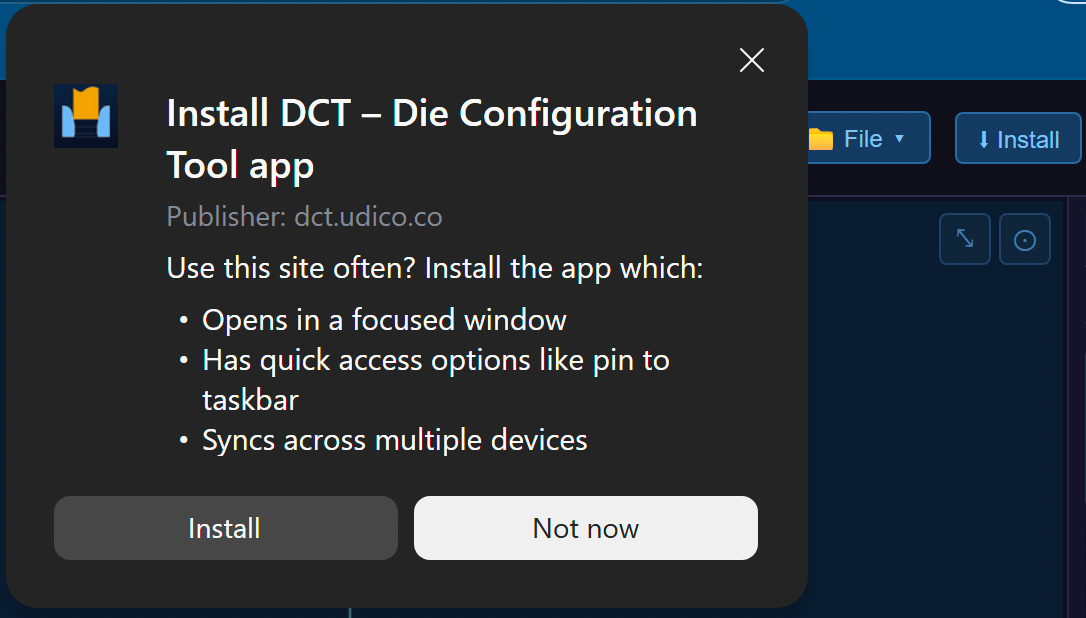
- Install — Chrome and Edge: uses the browser's built-in install prompt
The button doesn't appear in browsers that can't install web apps (such as Firefox, or Chrome on iPhone/iPad).
Why Install?
- Quick access — DCT launches from your Home Screen, Dock, or taskbar in its own window
- Protects your Design Library — browsers can clear a website's stored data over time (Safari does so after 7 days without a visit), which would delete saved designs. An installed app is exempt.
Before You Install on Safari
On iPhone, iPad, and Mac Safari, the installed app gets its own separate storage — saved designs and your access code do not carry over from the browser. Before installing:
- Export your Design Library as a .dctlib file (the install panel reminds you if you have saved designs)
- Install and open the app, then enter your access code again
- Import the .dctlib file to bring your designs across
On Chrome and Edge this doesn't apply — the installed app shares storage with the browser, so everything carries over automatically.
Good to Know
- An internet connection is still required — installing is not an offline mode; die calculations run on Udico's servers
- Updates are automatic — you never reinstall; new builds load on the next launch, and a blue banner may occasionally offer a Reload when a new build is available
- Changed your mind? — if you dismiss the install button, you can always get back to it from Help
Questions? Contact dct@udico.co.


